How to Create an Effective Nail Salon Service Menu Template
A nail salon service menu template is a structured list of all the services your salon offers, including descriptions and prices. It serves as a clear guide for customers to understand your offerings and helps staff communicate services efficiently.
Having a well-organized service menu is essential because it improves customer confidence and satisfaction by setting clear expectations. It also aids in marketing and helps differentiate your salon from competitors by showcasing unique services or packages.
This article will explore how to create an effective nail salon service menu template, covering sections you should include, design tips, pricing strategies, and examples to inspire your own menu.
Essential Elements of a Nail Salon Service Menu Template
Service Categories and Descriptions
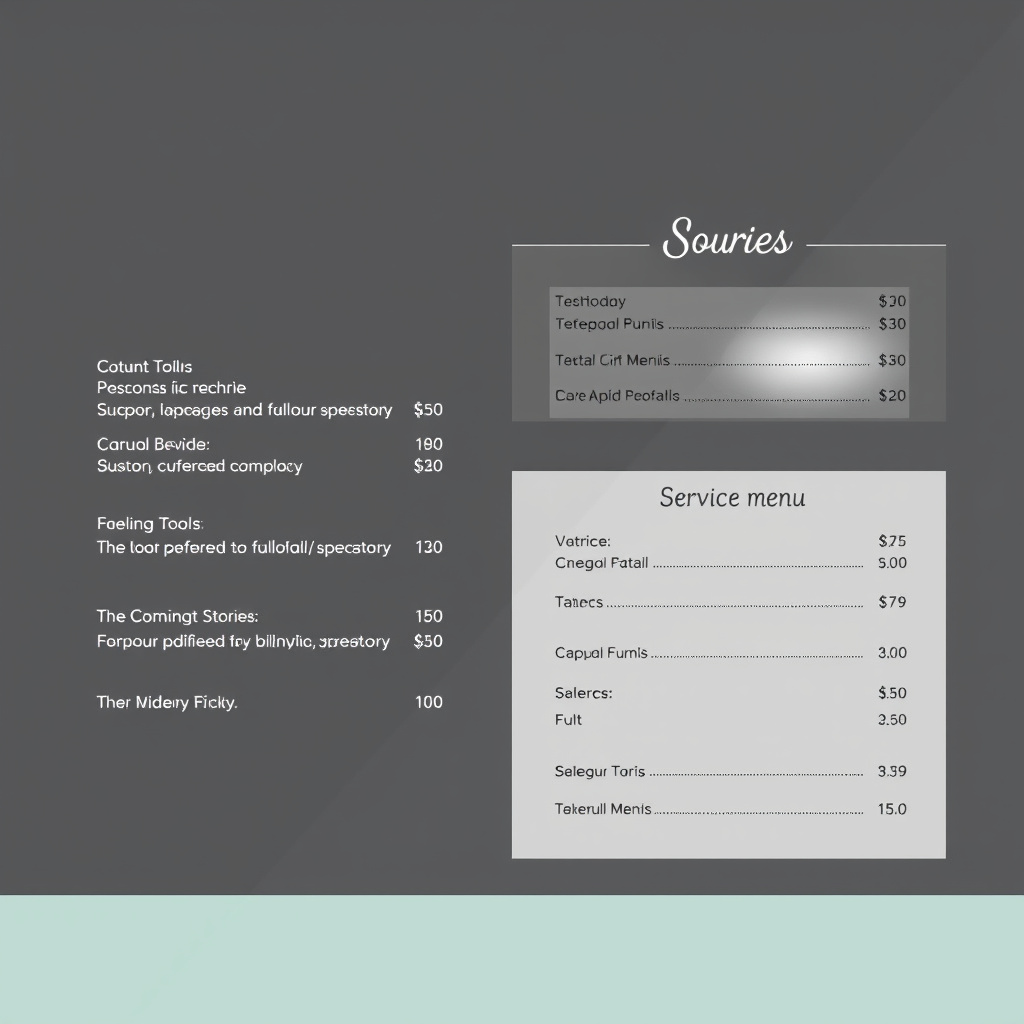
Organize your menu by grouping related services into clear categories such as manicures, pedicures, nail enhancements, and treatments. Each service should include a brief but informative description that highlights its benefits or features.
Providing clear descriptions helps customers make informed choices, especially if you offer specialized treatments like gel nails, acrylics, or nail art. Use concise and customer-friendly language to avoid confusion.
Pricing and Duration Details
Including accurate pricing next to each service enhances transparency and builds trust. When possible, list the average time each service takes so customers can plan their appointments accordingly.
Consider offering tiered pricing for basic, deluxe, or add-on options to give customers flexibility and encourage upselling. For example, a classic manicure might be priced differently from a spa manicure with extra treatments.
- Standard versus premium service tiers
- Add-on services pricing
- Time estimates per service
Design and Layout Best Practices for Your Service Menu Template
Choosing Readable Fonts and Colors
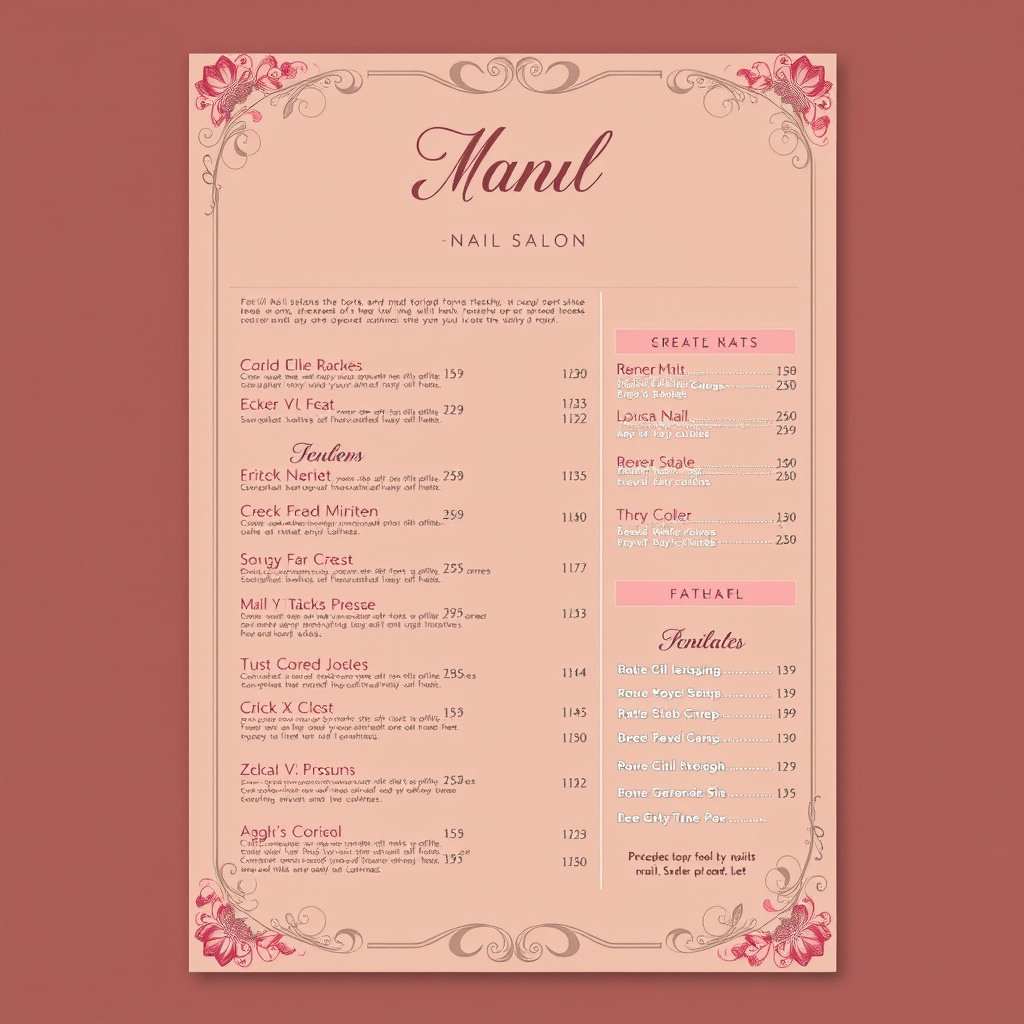
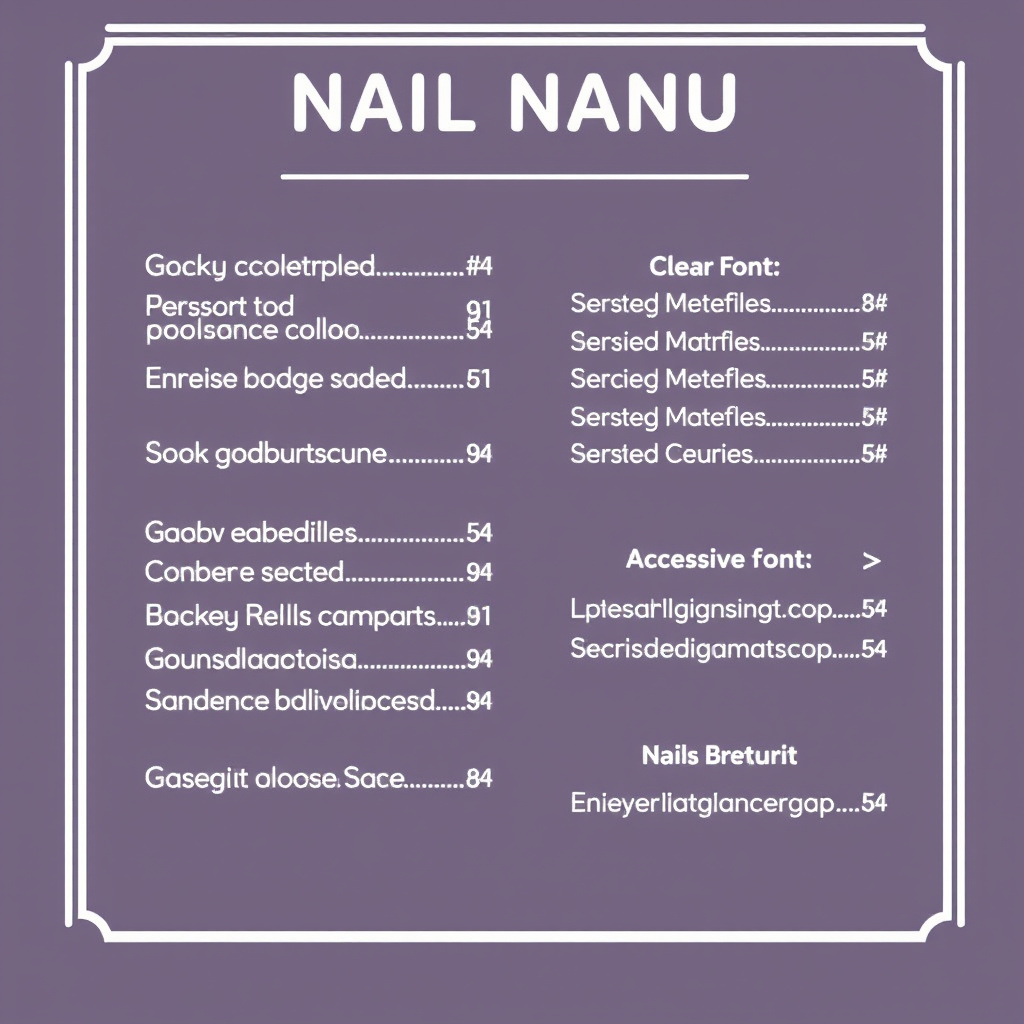
Select fonts that are easy to read both in print and on screens. Avoid overly decorative fonts that can confuse customers. Contrast text and background colors to improve readability.
Colors should reflect your salon’s brand personality but stay professional. Soft pastels often work well in nail salons, while bold colors can be used sparingly for highlights or special offers.
- Sans-serif fonts for clarity
- Consistent color palette matching brand
- Contrast for price visibility
Using Images and Icons Effectively
Including small images or icons next to services can visually guide customers and make the menu more engaging. For example, icons of hands for manicures or feet for pedicures can quickly communicate service types.
Avoid overwhelming the menu with too many images which can clutter and distract. Consistent style and size help maintain a clean, professional look.
Incorporating Special Offers and Packages
Bundling Services for Greater Value
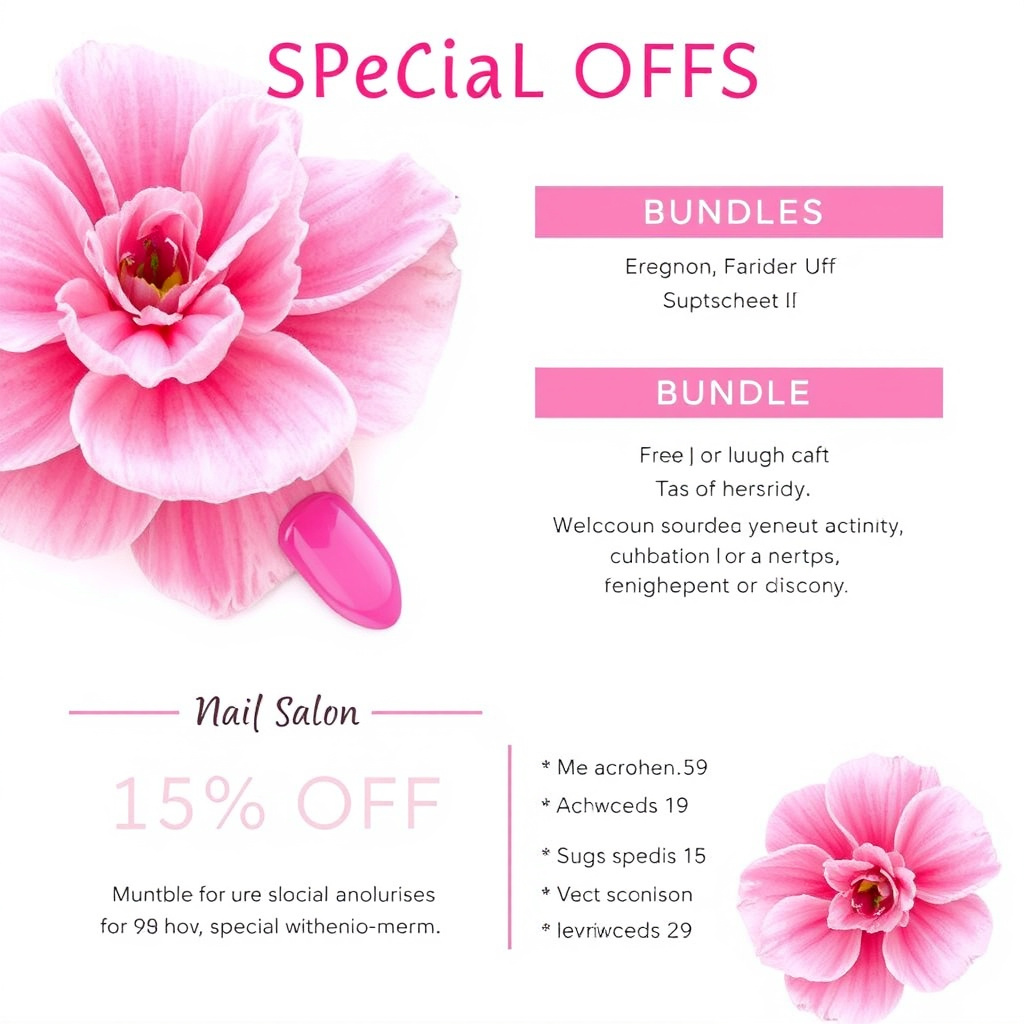
Offer combination packages such as 'manicure and pedicure set' or 'gel manicure with nail art' at a discounted rate. This encourages customers to try multiple services and can increase salon revenue.
Clearly display these packages in a dedicated section with the original prices and special offer prices to highlight savings.
- Combo packages
- Seasonal promotions
- Loyalty rewards
Highlighting Limited-Time Discounts
Create urgency by including limited-time offers or first-time customer discounts in your menu. Use bold text or colored boxes to make these stand out.
Be sure to update or remove expired promotions promptly to keep your menu accurate and maintain credibility.
Adapting Your Nail Salon Price List for Different Formats
Printed Menus in Salons
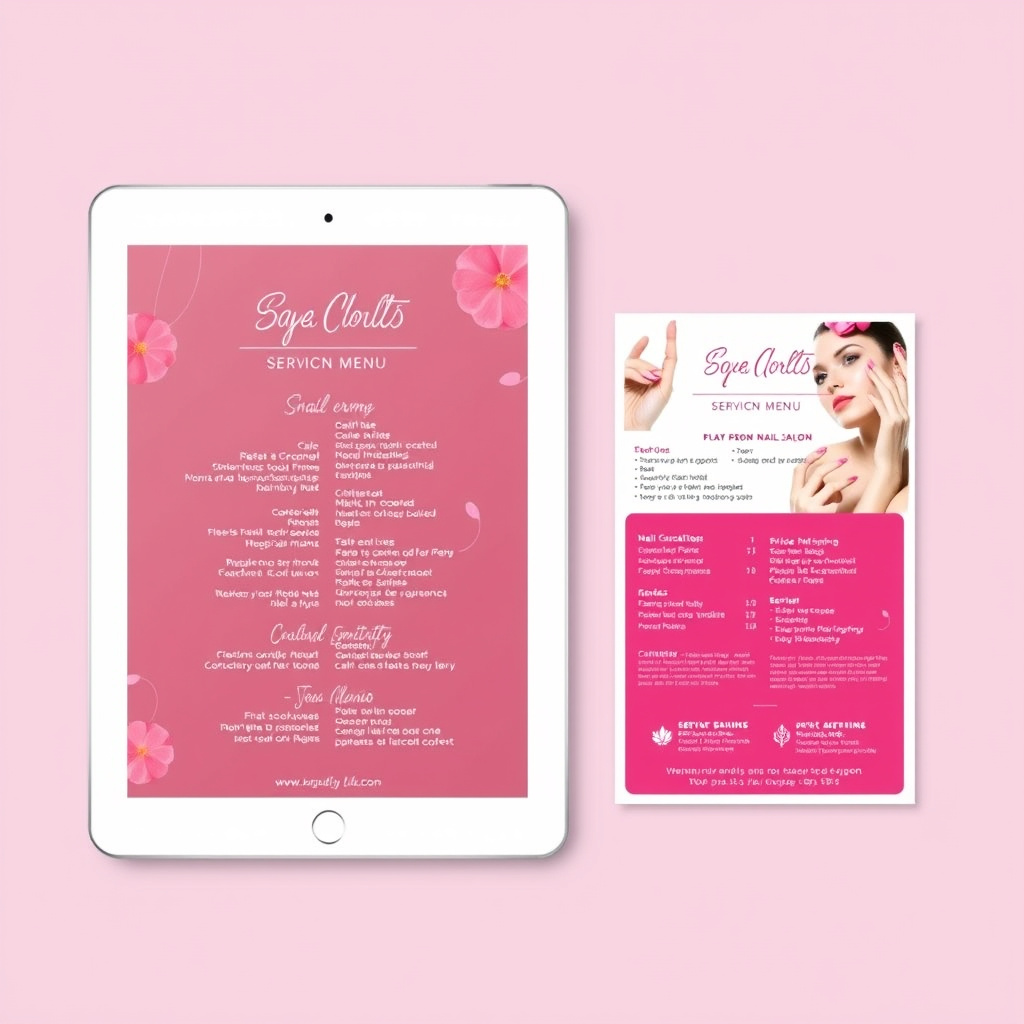
Printed menus should be compact and durable, suitable for holding at the salon or including in welcome packets. Use high-quality paper and consider laminating for longevity.
Keep the layout straightforward to help customers browse quickly, and include your salon’s contact info and social media handles.
Digital Menus for Websites and Social Media
Digital versions of your menu enable easy updates and wider reach. Optimize for mobile viewing as many customers access these on phones.
Interactive elements like clickable service categories or booking links improve user experience and can increase appointment bookings directly from the menu.
Legal and Accessibility Considerations for Your Menu
Clearly Stated Terms and Conditions
Include any important details about service policies such as cancellation fees, appointment changes, or health and safety precautions.
Transparent policies help avoid misunderstandings and protect your business legally.
- Cancellation policies
- Refund terms
- Health and safety notices
For more background on nail salons and their services, you can visit the relevant Wikipedia page. Nail salon service menu information on Wikipedia.
Accessibility Features for Diverse Customers
Design your menu to be accessible to customers with visual impairments by using large fonts, high contrast, and alternative formats like braille or audio options when possible.
Making your menu inclusive broadens your customer base and reflects well on your brand.
Nail Salon Service Menu Templates Category Comparison
Here is a comparison of different nail salon service menu template types to help you choose the best format for your salon’s needs.
| Template Type | Customization Level | Ease of Use | Best For |
|---|---|---|---|
| Printable PDF | High | Easy | Physical menus and handouts |
| Editable Word Document | Medium | Moderate | Quick updates and local printing |
| Interactive Website Menu | High | Requires web skills | Online appointment booking integration |
| Mobile App Menu | High | Needs developer | Tech-savvy customer base and loyalty programs |
Frequently Asked Questions
What should be included in a nail salon service menu?
A nail salon service menu should list all services offered, descriptions, accurate prices, service durations, and any special offers or packages.
How often should I update my nail salon price list?
Regularly review and update your pricing every 6 to 12 months, or whenever you add new services, change costs, or run promotions.
Can I use images in my nail salon service menu?
Yes, using small icons or images can help illustrate services but should be used sparingly to keep the menu clean and readable.
Should prices include taxes in the nail salon menu?
It depends on your local regulations; typically, prices are listed pre-tax for clarity, but inform customers if taxes will be added at checkout.
How can I make my nail salon menu accessible?
Use large, high-contrast fonts and consider offering alternative formats like braille menus or audio descriptions for customers with disabilities.
Key Takeaways
- Organize services clearly with descriptions and accurate pricing.
- Use readable fonts and colors that align with your brand.
- Incorporate special offers and package deals to boost sales.
- Adapt menus for both printed and digital formats.
Conclusion
Creating an effective nail salon service menu template requires balancing clear information with attractive design to guide customers smoothly through your offerings. Presenting services in organized categories with concise descriptions builds confidence and simplifies decision-making, while transparent pricing sets proper expectations and encourages trust. Including special offers and packages introduces value and encourages customers to explore a wider variety of your services. Additionally, adapting your menu for multiple formats—from printed copies in your salon to interactive digital versions—maximizes accessibility and customer reach. Attention to policy clarity and accessibility further enhances your professional image and customer satisfaction.
For salons seeking straightforward presentation, a printable PDF or editable Word document offers convenience and quick updates. Businesses wanting to expand digital engagement should consider an interactive website menu integrated with online booking or even a mobile app for tech-savvy clients. Tiered pricing and bundling services create flexibility and encourage higher spend, benefiting both new and regular customers. Incorporating design elements such as readable fonts, consistent brand colors, and tasteful icons supports a polished look that complements the quality of your nail services. Thoughtfully crafted, this service menu can become a strategic tool in both marketing and customer experience.
Start by drafting your service categories and pricing based on your current offerings and local market. Experiment with design layouts that reflect your brand personality and test readability both in print and on screen. Update your menu regularly to maintain accuracy and relevance, especially when introducing new treatments or promotions. Providing a well-laid-out and comprehensive nail salon service menu template will save staff explanations and empower customers to make confident choices, ultimately supporting the growth and reputation of your salon.