Why Do My Hair Clippers Overheat? Causes and Solutions Explained
Hair clippers overheat primarily due to friction caused by prolonged use without breaks, lack of proper lubrication on the blades, or a faulty motor. When these components face extra stress or aren't maintained well, heat builds up quickly, causing discomfort and potential damage.
Overheating matters because it can shorten your clipper's lifespan, cause burns to your skin, and reduce the quality of your haircut by dulling blades faster. Understanding the specific reasons behind your clippers' overheating helps you avoid these issues and maintain an efficient grooming tool.
This article explores common causes of clipper overheating, how to maintain your device correctly, recommendations for good brands and models, and important tips to keep your clippers running cool and effective.
How Hair Clippers Work and Why They Overheat
Basic Mechanics of Hair Clippers
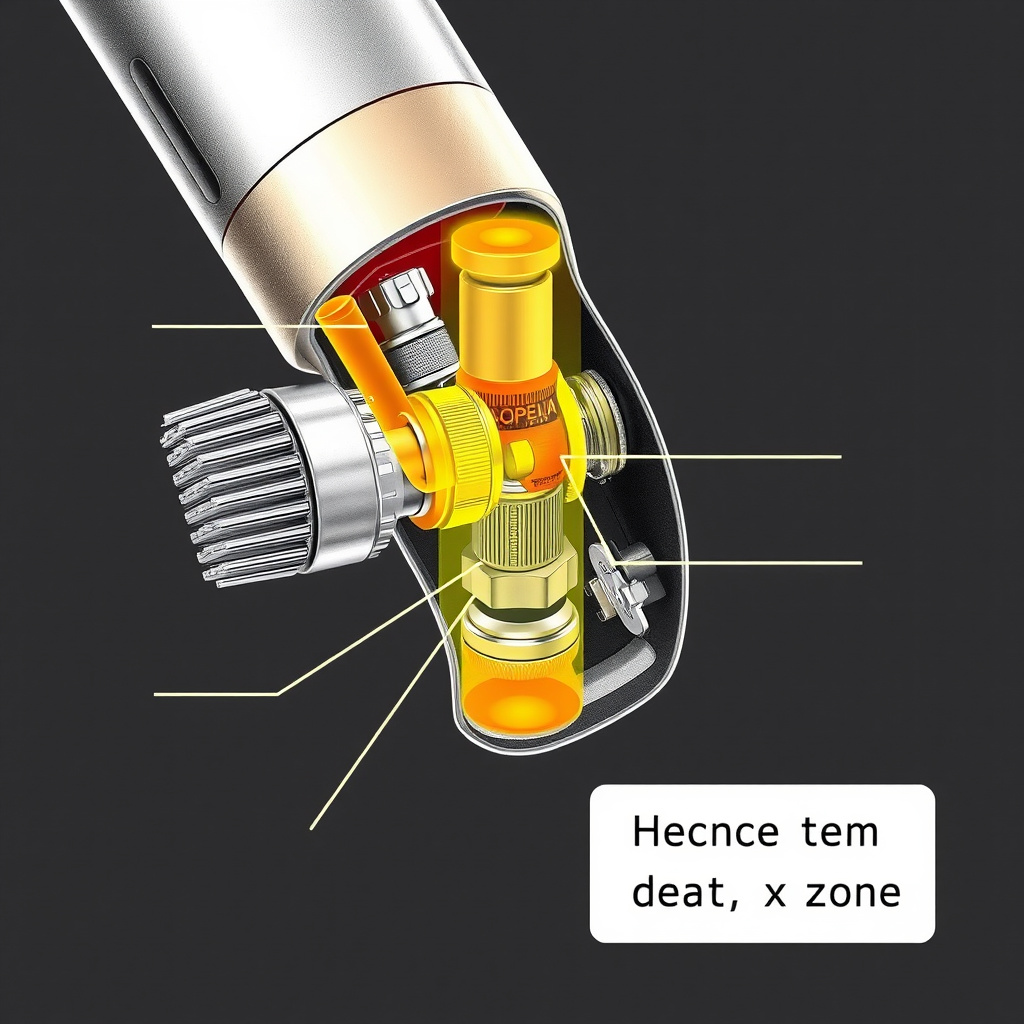
Hair clippers operate using a motor that moves blades back and forth rapidly. This mechanism cuts hair by shearing it between a stationary blade and a moving blade. The motor can be powered by electricity or batteries, which drives the oscillating blade movement.
During operation, friction between blades generates heat. Normally, this heat dissipates quickly, but if the blades stick or the motor works harder due to dull blades or debris buildup, temperature rises significantly.
Common Causes of Overheating
Overheating mainly results from continuous usage without breaks, causing the motor to run hot. Additionally, lack of blade lubrication increases friction, making blades seize up and generate heat. Faulty or worn motors also run inefficiently and get hotter than usual.
Another cause includes clogged blades where hair and skin oils accumulate, forcing the motor to strain harder. Low battery power in cordless clippers can also lead to overheating as the motor tries to maintain speed.
- Continuous usage without pause
- Insufficient blade oiling
- Clogged blades or debris
- Worn or faulty motor
- Low battery power
Routine Maintenance to Prevent Overheating

Cleaning Your Clippers Properly
Regular cleaning removes trapped hair, skin flakes, and accumulated oil that can jam blades and restrict blade movement, preventing overheating. Use a small brush to clear debris after each use and occasionally remove blades to wipe away buildup in hard-to-reach areas.
Some models also allow washing blades under running water, but always check the manufacturer’s guidelines. Cleaning prevents motor strain and helps maintain consistent cutting efficiency.
- Brush out hair after each use
- Wipe blades with a soft cloth
- Remove and clean blade housing regularly
- Check manufacturer instructions for water cleaning
Lubrication Tips for Smooth Operation
Oiling your clippers’ blades reduces friction dramatically, enabling blades to glide smoothly, cool down faster, and sharpen their cutting precision. Apply a few drops of clipper oil before, during, and after use to maintain blade health and motor efficiency.
Use only the oils recommended for hair clippers, as other lubricants can gum up or damage the mechanism. Proper lubrication can double your clipper’s working time before it begins to overheat.
- Use clipper-specific oil
- Add a few drops before and after each use
- Oil blades slightly during extended sessions
- Avoid excessive oiling to prevent residue buildup
Choosing the Right Hair Clippers to Minimize Overheating

Motor Types and Heat Generation
There are different motor types in hair clippers: magnetic, rotary, and pivot. Magnetic motors are lightweight but tend to heat up faster under prolonged use. Rotary motors run cooler and are more durable but may cost more. Pivot motors balance power and heat output well.
Selecting clippers with efficient, high-quality motors reduces overheating risk, especially if you cut hair regularly or professionally. Knowing how motor types affect heat can guide your purchase for longer clipper life.
- Magnetic motors heat quickly
- Rotary motors cool and durable
- Pivot motors moderate heat and power
- Match motor type to usage frequency
For more on this, see our related guide: What Is a Hair Clipper and How to Choose the Right One.
Corded vs Cordless Clippers
Corded clippers draw continuous power and often handle heat better since they don’t rely on battery output. However, they tether you to an outlet. Cordless models offer freedom but can overheat if battery charge is low or if motor strain is high.
When using cordless clippers, choosing models with smart battery management reduces overheating risk. For heavy use, corded or cordless clipper models with cooling features are preferable.
- Corded models provide constant power
- Cordless models risk heat with low battery
- Smart battery tech helps cool cordless units
- Consider usage environment and preferences
Signs Your Clippers Are Overheating and What to Do

Identifying Overheating Symptoms
If your clippers become too hot to touch, emit a burning smell, or suddenly lose cutting power, they are overheating. Another sign is the clipper shutting off unexpectedly due to thermal protection. These symptoms indicate the motor or blades are under excessive strain.
Recognizing these early signs helps you prevent damage by taking breaks, cooling down the device, or performing maintenance immediately to avoid costly repairs or replacements.
Immediate Actions to Cool Down Clippers
Stop using the clipper and unplug it immediately if corded. Let the blades and motor cool naturally at room temperature. Avoid quick fixes like running water over non-waterproof clippers or using fans that blow dust inside.
Applying a blade cooling spray or oil afterward can help reduce residual heat. Testing your clipper after cooling ensures safe and effective operation with minimal risk of further overheating.
- Turn off and unplug device
- Allow natural cooling at room temperature
- Use blade cooling sprays carefully
- Avoid water on non-waterproof clippers
Upgrading Your Clippers for Better Heat Management
Professional-Grade Clippers Features
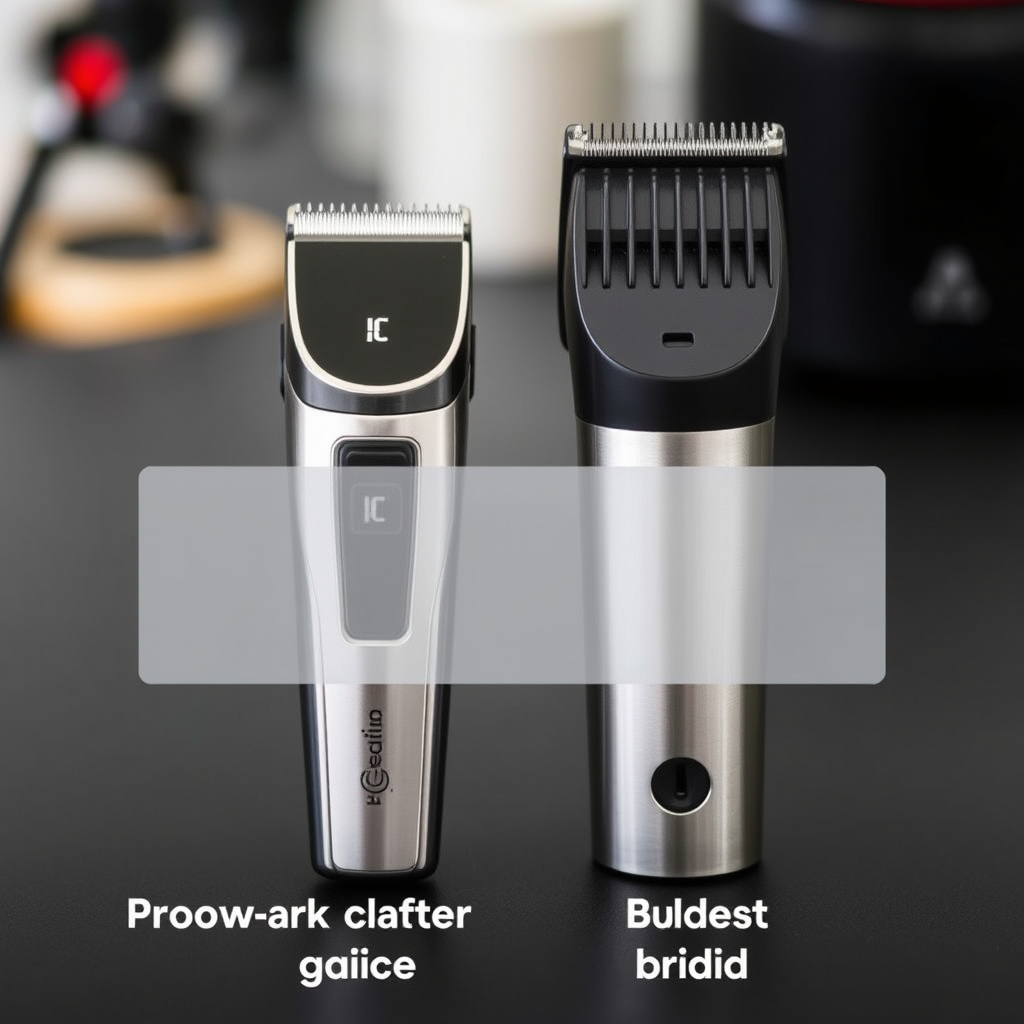
Professional clippers often include heat-resistant blades, metal housing for better heat dispersion, and motors engineered to handle long sessions without overheating. These features ensure consistent performance even during continuous use.
Though pricier, investing in a professional model means fewer interruptions and longer device lifespan, making them ideal for barbers or frequent home users aiming to avoid overheating challenges.
- Heat-resistant blade materials
- Metal housing to disperse heat
- High-performance motors
- Designed for extended use
For more on this, see our related guide: How to Clean a Hair Trimmer for Peak Performance and Longevity.
Budget-Friendly Clippers with Cooling Solutions
Some budget clippers include built-in cooling fans or ventilation slots in the housing to improve airflow and heat dissipation. These models offer better heat management without a premium price tag. However, their performance may not match professional options.
If you use clippers occasionally, these models represent a balanced choice between cost and overheating prevention, particularly when combined with proper maintenance routines.
- Built-in cooling fans
- Ventilation slots for airflow
- Affordable price points
- Suitable for occasional use
Best Practices During Haircutting Sessions
Managing Usage Time and Breaks
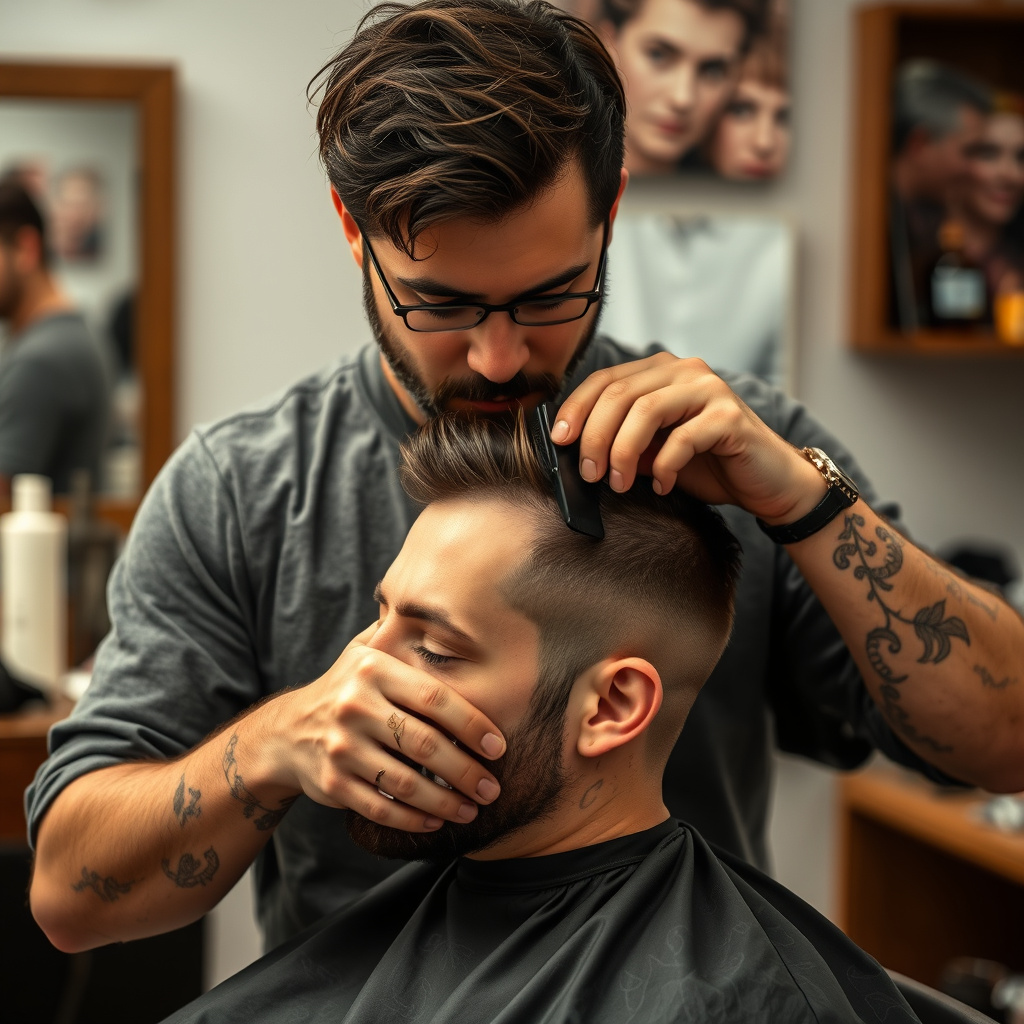
Limiting continuous clipper operation reduces motor strain and heat buildup. Taking short breaks every 15–20 minutes allows the device to cool naturally, preventing overheating and blade wear. This is especially important during thick or dense haircuts that require more effort.
Scheduling breaks during professional sessions or at-home grooming keeps your clipper running smoothly, extending its working life and ensuring a comfortable experience for the user.
- Pause every 15–20 minutes
- Switch to other tasks during breaks
- Monitor heat levels frequently
- Avoid nonstop long sessions
To explore more about hair clippers' history and technical details, refer to the Hair clipper Wikipedia article. Hair clipper Wikipedia article.
Using Attachments and Adjustments
Using appropriate blade guards or comb attachments reduces the load on blades by controlling hair thickness during cuts. This lowers the friction and heat generated. Adjusting cutting speed where possible also helps maintain steady motor temperatures.
These small changes reduce overall heat production during haircuts, improving clipper longevity and user safety.
- Utilize blade guards for controlled cutting
- Adjust cutting speeds when possible
- Remove attachments carefully to avoid blade strain
- Choose clipper settings based on hair type
Hair Clippers Category Comparison
Here is a comparison of different hair clipper types based on motor type, heat management, price, and ideal use case.
| Category | Motor Type | Heat Dissipation | Price Range | Ideal Use |
|---|---|---|---|---|
| Basic magnetic clippers | Magnetic | Low heat resistance | $20-$40 | Light home use |
| Rotary motor clippers | Rotary | Excellent heat control | $50-$150 | Professional and frequent use |
| Pivot motor clippers | Pivot | Good heat balance | $30-$80 | Versatile home/pro use |
| Cordless clippers with cooling fans | Varies | Enhanced with fans | $40-$100 | Occasional extended use |
Frequently Asked Questions
How often should I oil my hair clippers to prevent overheating?
Oiling your clippers before and after each use is recommended. For longer sessions, apply a few drops during use as well. Regular lubrication reduces blade friction, helping to prevent heat buildup.
Can using dull blades cause my clippers to overheat?
Yes, dull blades increase friction because they struggle to cut hair cleanly, causing the motor to work harder and generate excess heat. Replacing or sharpening blades is important to avoid overheating.
Is it safe to run hair clippers continuously for long periods?
Running clippers without breaks can cause overheating. It's advisable to pause every 15–20 minutes to allow the motor and blades to cool to prevent potential damage or burns.
Will cleaning hair clippers regularly affect their cooling?
Absolutely. Regular cleaning removes hair and oils that slow blade movement, reducing friction and motor strain, and thus helps keep your clippers cooler during use.
Do cordless clippers overheat more than corded ones?
Cordless clippers can overheat more easily if the battery is low or if the motor strains to maintain power. Choosing cordless models with good battery management and cooling features helps reduce this risk.
Key Takeaways
- Overheating results mainly from friction, inadequate lubrication, and motor strain.
- Regular cleaning and proper oiling prevent heat buildup significantly.
- Choosing the right motor type and usage habits reduces overheating risk.
- Taking breaks during use extends clipper lifespan and safety.
Conclusion
Understanding why hair clippers overheat is central to maintaining their performance and lifespan. Heat primarily comes from blade friction and motor load, factors influenced by usage time, maintenance, and the clipper’s mechanical quality. Approaching clipper care with knowledge means addressing these heat sources before they cause issues, ensuring smooth and comfortable grooming sessions each time.
For users who frequently cut hair at home or professionally, investing in rotary or pivot motor clippers can provide better heat management, avoiding rapid overheating. Meanwhile, budget clippers with cooling fans offer alternatives for occasional use. Coupling any clipper choice with disciplined cleaning, lubrication, and breaks during use will keep your equipment running cooler and more reliably.
For your next steps, inspect your current clipper for cleanliness and sharpness of blades, check oil levels, and monitor heat during use. If overheating persists despite these measures, consider upgrading to models specifically designed for better heat dissipation or professional-grade devices. By following this guidance, discomfort and damage from overheated clippers can be effectively avoided.